
Read the whole notice before changing the drawings
First, confirm the application and plan version being reviewed. Read the full notice, including any instructions for the response and resubmittal. A comment near the end may affect several earlier items.
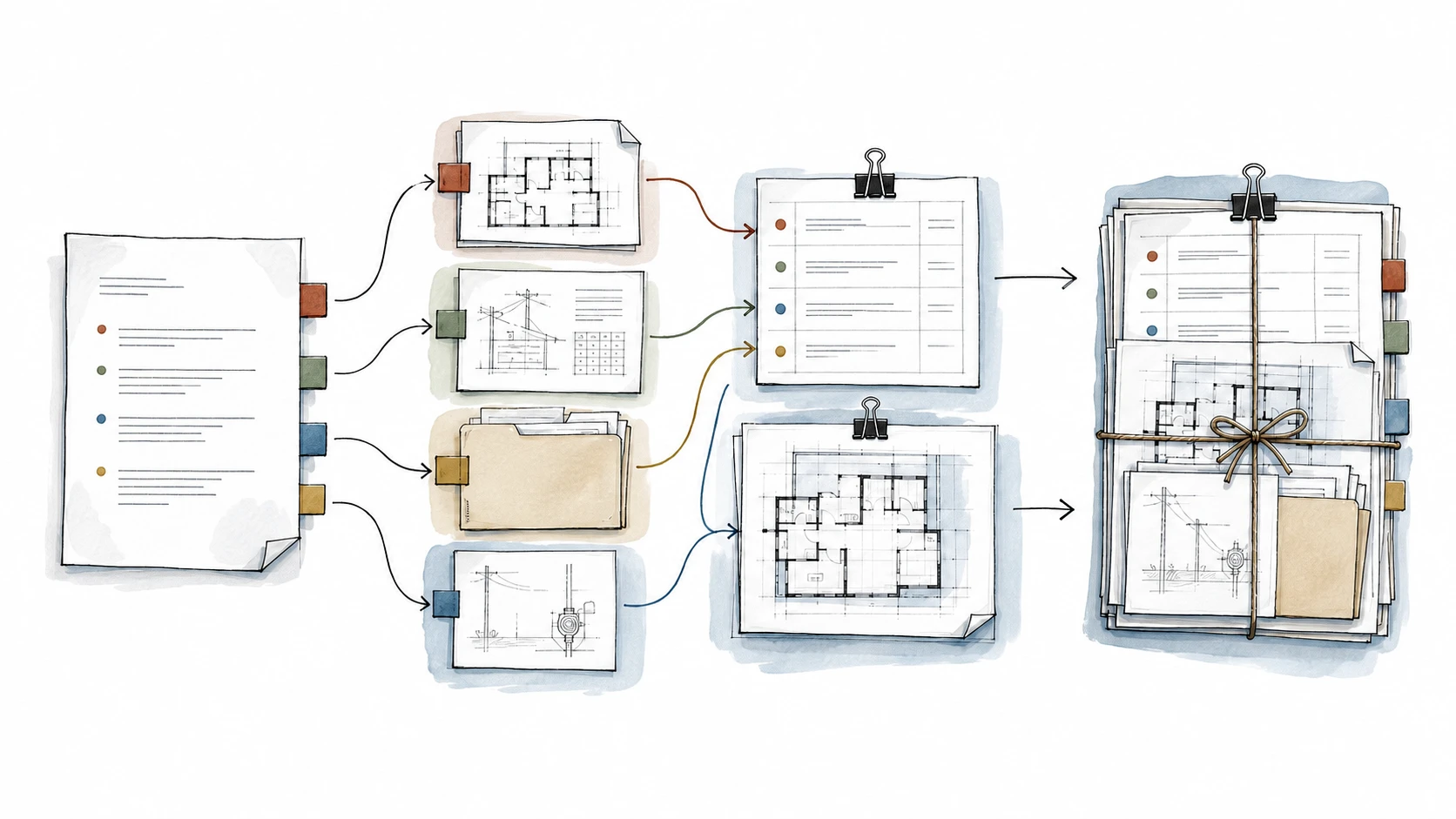
Then group the comments by subject. This helps you see which questions belong together instead of answering the same issue more than once.
- Design drawings and notes
- Structural or other consultant documents
- Property records and existing conditions
- Owner decisions or missing forms
- Agency, utility, or fee items
Give every comment a clear next step
Keep the agency's comment number and wording. Beside it, note who will respond, what needs to change, and where the answer will appear.
For example, a request to clarify a dimension may need a revised plan note and a reference to that sheet in the response letter. If the dimension is not known, the next step is to confirm it—not to guess so the comment can be marked complete.
- Comment number and request
- Person responsible for the answer
- Missing information or decision
- Revised sheet or document reference
- Response and review status
Ask about scope changes early
Some comments clarify the work already agreed. Others raise a new condition, require another specialist, or follow a change to the design. Discuss those differences before assuming the original fee covers everything.
For Studio Bluework's own documents, city-review revisions are handled as stated in the project agreement. A comment involving another consultant's work needs that consultant's response; it should not be quietly rewritten by someone else.
Check the package together before resubmitting
The response letter, drawings, consultant documents, and forms should agree. Point the reviewer to each change and check that a revision on one sheet hasn't left conflicting information elsewhere.
Keep the submitted package and any receipt. A resubmission is not an approval; the reviewing agency still needs to review the response.
Work through the comments one at a time, but check the response as one package. Every answer should have a person responsible and a clear document reference.
Official sources and useful references
Links checked September 8, 2026. Confirm that the current guidance applies to your property when you use it.
Have a project in mind?
Share your idea and what is still unclear. We’ll help you find the right starting point.
This article provides general educational information. Property records, site conditions, required specialists, and city or county review may change the answer for a specific project.